
Ars Nouveau
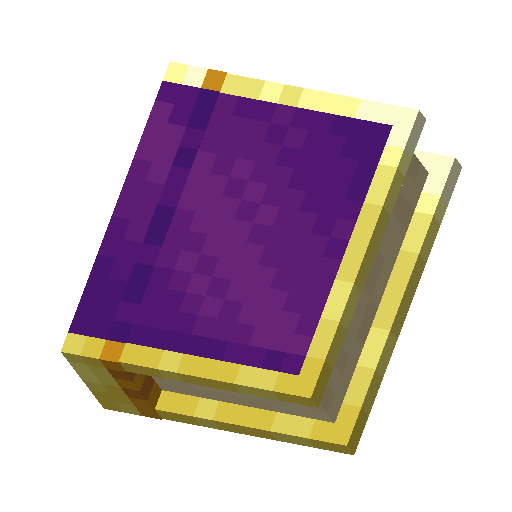
To use a spell, select your Spell Book on the inventory bar and right-click to cast it. Your active spell is shown above your Mana bar. Press [X] to swap to your next spell and [Z] to swap your previous spell. Press [V] to open a radial menu that allows you to quickly swap between spells on your book. Each spell may also be hotkeyed individually via the Key Bind menu. If the spell fails to cast, check to make sure that: You have enough Mana to cast the spell. The spell begins with a Form Glyph and has at least one Effect Glyph.
Next
5 - Mana